How office access control systems use radio frequency identification
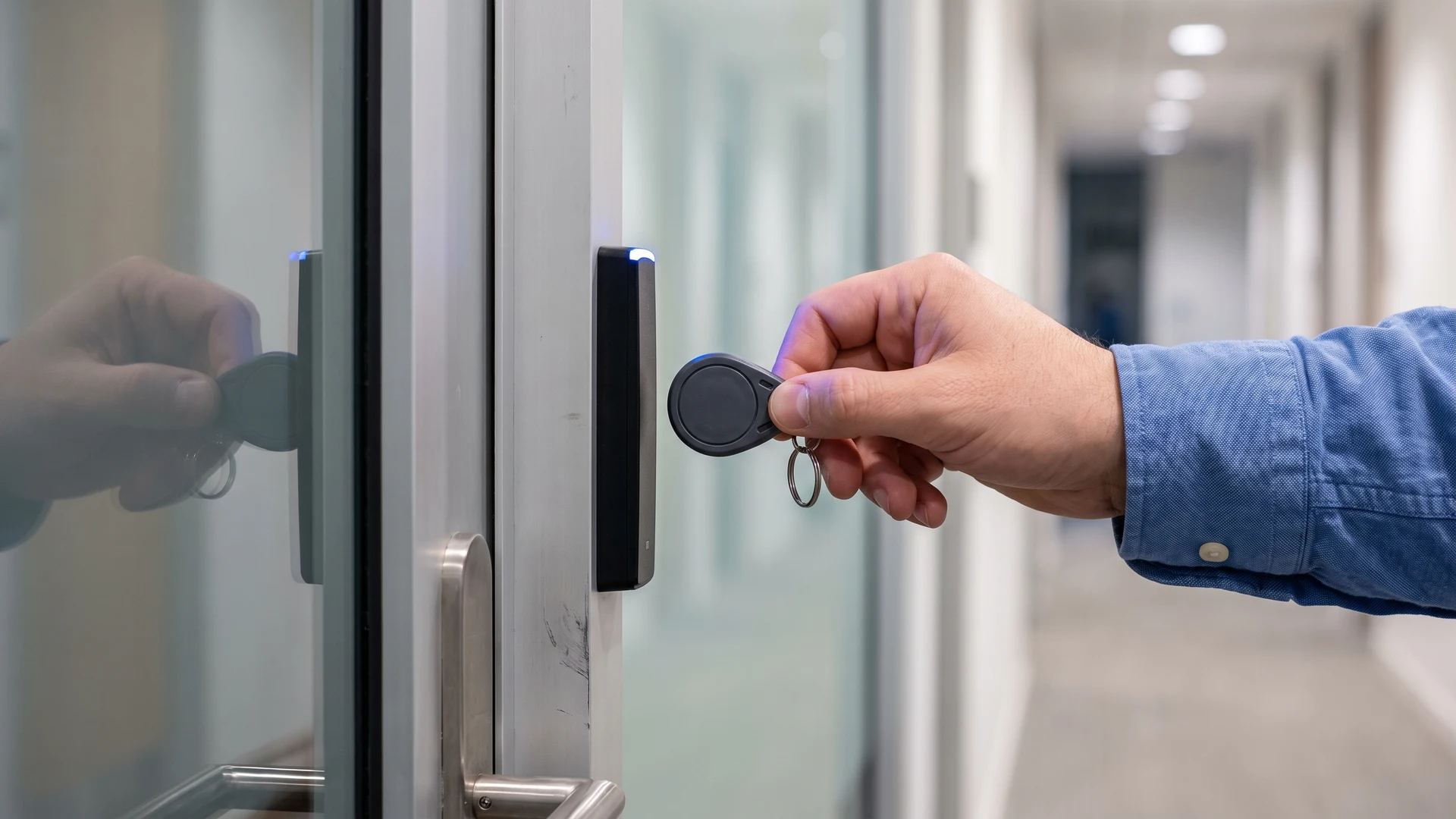
Modern office access control relies on Radio Frequency Identification (RFID) to secure physical entry points without the hassle of traditional metal keys. These RFID systems use wireless signals to communicate between a digital credential and a specialized door reader. When your team members approach a secured door, they simply hold their badge near the reader to initiate an instant access request. This wireless exchange eliminates the need for line-of-sight scanning and creates a frictionless experience for daily users.
Upgrading to this technology solves common physical security challenges without requiring your project managers to become technical experts. The system automates the decision process by instantly verifying user credentials against a central database before unlocking the door. You gain precise control over who enters specific areas of your building at any given time. This approach transforms facility management by replacing static manual locks with an intelligent network that adapts to your changing operational needs.
Key security benefits of an integrated system
Moving away from standalone offline locks provides your organization with immediate improvements in both security and operational visibility. An integrated system solves real-world vulnerabilities by connecting every entry point to a centralized management platform. You can efficiently manage a busy workplace while maintaining strict control over your physical space. The technology offers several distinct advantages that traditional keys simply cannot match.
Managing access levels for different zones
An integrated access system allows you to define specific permissions for different areas within your office building. You can restrict sensitive locations like server rooms or executive suites to authorized personnel only while keeping main entrances accessible to all staff. The centralized platform lets your administrators adjust these access levels instantly as roles change or new team members join. This flexibility ensures that your security posture remains strong without hindering the daily movement of your workforce.
Instantly revoking lost credentials
Misplaced metal keys pose a significant security risk that often requires expensive hardware replacements to resolve. With an integrated digital system, your team can instantly deactivate a lost badge or key fob with a single click in the management software. This immediate revocation ensures that unauthorized individuals cannot use the missing credential to enter your building. Your administrators can then issue a replacement credential right away, which maintains security while keeping your employees productive.
Tracking entry data for incident review
Traditional locks provide no historical record of who entered a specific room or when an access event occurred. An integrated system logs every access attempt automatically, creating a comprehensive audit trail for your entire physical space. You can review this precise entry data to investigate security incidents, monitor facility usage, or verify employee attendance during emergencies. This clear visibility transforms access control from a reactive barrier into a proactive management tool for your organization.
Core hardware components for your physical infrastructure
Building a robust access control system requires a clear understanding of the physical and digital pieces that make the technology function. Every deployment relies on a specific set of hardware components working together to secure your facility. Knowing how these elements interact helps you source the right equipment and visualize the physical installation across your building. The core ecosystem consists of the user credentials, the door hardware, and the central processing software.
Transponders and credentials
The access process begins with the physical credentials, which typically take the form of passive cards, badges, or key fobs. These transponders lack internal batteries and rely entirely on a low-power radio frequency field emitted continuously by the door reader. When an employee brings their credential within a few inches of the reader, the radio waves induce a small electrical current to power up the internal microchip. The chip then modulates the radio waves to transmit a unique identifier back to the reader using secure encrypted protocols.
Door readers and controllers
The door reader intercepts the signal from the credential, decodes the digital identifier, and passes the information to a local door controller. The controller acts as the central brain of the physical access point by comparing the scanned data against authorized user databases to enforce security rules. If the system validates the request, the controller sends a release signal to electronic hardware like magnetic locks or electric strikes to disengage the barrier. These intelligent controllers also monitor peripheral devices like request-to-exit motion sensors and can continue making access decisions locally if the main network drops offline.
Backend management software
The hardware at the door communicates with your centralized backend management software through a combination of local area networks and internet protocols. Modern intelligent controllers exchange data packets with the software using standard Transmission Control Protocol and Internet Protocol (TCP/IP) connections. The hardware pushes immediate event notifications to the platform whenever a physical action occurs, such as a door opening or a forced-entry attempt. This constant synchronization allows your administrators to monitor real-time telemetry streams and automate responses across multiple interconnected facility systems.
Connecting new hardware to your current network
Integrating new access readers and software into your existing Information Technology (IT) infrastructure is a straightforward process that avoids total administrative overhauls. Your security hardware communicates with centralized user databases using standard protocols like the Lightweight Directory Access Protocol (LDAP). This allows your new system to verify user identities directly against your current employee records while utilizing encrypted connections to maintain strict data security. At the physical hardware level, modern installations use the Open Supervised Device Protocol (OSDP) to connect card readers securely to the control panels with advanced encryption.
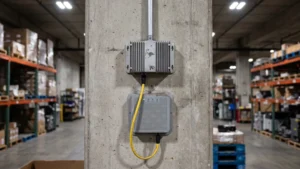
Powering and networking these devices simultaneously is efficiently handled through Power over Ethernet (PoE) technology. This standard sends both electrical power and network data through a single network cable, which eliminates the need to run high-voltage electrical wiring to every door. You can connect your access control hardware directly to a central network switch located in your server room, making it easy to provide backup power during outages. This unified cabling approach reduces installation costs and allows your network administrators to monitor device health directly from your existing IT management tools.
Practical steps for planning your rollout
Deploying a new access control system in an active office building requires a clear roadmap to minimize disruption to your daily operations. You must sequence the installation carefully to ensure your staff can continue working safely while the new hardware goes live. A phased implementation strategy takes the guesswork out of the project and builds confidence across your management team. Following a structured plan helps you transition smoothly from your old security methods to the new digital infrastructure.
- Audit your physical entry points: Begin your project by mapping every door, gate, and sensitive area that requires restricted access within your facility. You need to document the current locking mechanisms in place and evaluate the physical condition of each entryway. This comprehensive assessment ensures you order the correct hardware components and helps your installation team anticipate specific mounting challenges. Completing this step early prevents costly delays and scope changes once the physical deployment begins.
- Configure your backend software: Before installing any equipment at the doors, set up your central management platform and establish the necessary network connections. You should integrate the software with your existing employee database and define the baseline access permissions for different departments. Testing these digital pathways in advance guarantees that the system will recognize credentials properly once the physical readers come online. A stable software foundation prevents chaotic troubleshooting during the physical hardware rollout.
- Install and test the hardware in phases: Roll out the physical readers and controllers in designated zones rather than attempting to upgrade the entire building simultaneously. You might start with a low-traffic secondary entrance to verify that the hardware communicates flawlessly with your configured software network. Once you confirm the equipment operates perfectly, you can confidently expand the installation to main entrances and highly secure interior rooms. This phased approach isolates potential technical issues and ensures your primary workflows remain unaffected.
- Distribute credentials and train your staff: Issue the new access cards or key fobs to your employees shortly before their designated entry points transition to the new system. You must provide clear instructions on how to use the credentials, what to do if a badge fails, and how to report lost items. Effective communication alleviates user frustration and reduces the administrative burden on your support team during the initial launch days. Proper training ensures your workforce adopts the new technology smoothly and maintains your intended security standards.
Maintaining your new access control system
Once your initial rollout is complete, establishing a routine maintenance schedule ensures your system remains reliable over the long term. You should periodically review your software logs to identify unusual entry patterns and audit user permissions to remove inactive accounts. Physical readers and door mechanisms also require occasional visual inspections to confirm they remain securely mounted and free of damage. By proactively managing both the digital database and the physical hardware, your project team will successfully sustain a secure and efficient workplace environment.
What hardware does each door need for RFID access control?
You need an RFID reader, a door controller, and an electric strike or magnetic lock. Add a door position switch to detect ajar or forced doors, plus a request to exit sensor for safe egress. The reader sends the credential to the controller, which checks permissions and releases the lock.
Should we move from 125 kilohertz proximity cards to 13.56 megahertz smart cards?
Yes, you likely benefit from moving to 13.56 megahertz smart cards if security matters. Older 125 kilohertz proximity cards broadcast a fixed identifier and are easier to clone. Modern smart cards use encrypted protocols such as MIFARE or iCLASS. You reduce cloning risk and gain better control over credential lifecycles.
How do RFID readers talk to controllers, and is OSDP worth adopting?
RFID readers connect to controllers using the Open Supervised Device Protocol OSDP, which encrypts data and supports two way status checks. Legacy Wiegand wiring sends unencrypted data and cannot verify device health. If you are installing new hardware, choose OSDP to raise security. It also simplifies remote updates.
How do we connect access control to our user directory?
You can link badges to your directory with Lightweight Directory Access Protocol LDAP or with LDAP over Transport Layer Security, called LDAPS. Networking devices often use Remote Authentication Dial In User Service RADIUS for authentication. Map roles to door groups so changes in the directory flow to door permissions automatically.
Will doors still work if the network or server goes down?
Yes, if you choose controllers that make local decisions from a cached permission list. These controllers continue to validate badges and log events during an outage, then sync when the link returns. Test this mode during rollout to understand limits. Pair controllers with battery backups to keep doors powered.